• Thanks for visiting the Kaleidescape Owners' Forum

    This forum is for the community of Kaleidescape owners, and others interested in learning about the system, equipment, services, and the company itself.

    It is run by a group of enthusiastic Kaleidescape owners and dealers purely as a service to this community.

    This board is not affiliated in any way with Kaleidescape, Inc.
    For official technical support, product information, or customer service, please visit www.kaleidescape.com

    You can dismiss this box forever by clicking the "X" in the upper right corner of this message.
  • You are currently in "Guest" mode and not logged in with a registered account.

    The forum is free to use and most of the forum can be used by guests who are not registered....

    ... but we strongly encourage you to register for a full account. There is no cost to register for a full account.

    Benefits of registering for a full account:

    • Participate in the discussions! You must have a registered account to make posts on the forums. You will be able to start your own thread on a topic or question, or you can reply to other threads/discussions.
    • Use the "Conversation" feature (known as "private messaging" on other forums) to communicate directly with any of the other users here.
    • Access the Files area. The "resources" area of the forum contains many "Favorite Scene" and Script files that can dramatically increase the enjoyment of your Kaleidescape system. Go directly to great scenes in your favorite movies, created by other owners, and add automation to playback of your system with Scripts.
    • You won't see this annoying notice at the top of every screen!😊

    It's easy and free to register for the forum. Just click the "Register" button in the upper right corner of this page, and follow the instructions there.

    This box goes away for registered users.

Movie Updates

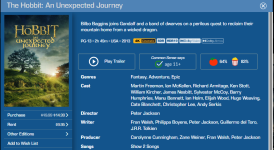
Hobbit did, didn't it? I thought I just saw an update on that. I'm about ready to buy it, lol. I've never owned it and I've been waiting for the 4K disc version, then I got into this, now I want it here only.
It's actually par for the course for a single "version" of a title to get updates. Before 4KC it was Dolby Vision. Before Dolby Vision it was 4K vs. HD. Lord of the Rings, The Hobbit, Aliens, The Abyss, The Martian, and on and on and on...
 
I don’t know about you guys but I’m just not as excited about the 4K Cinematic format these days. I plan to keep my Strato K because overall it’s a fantastic player and it’s better than the Strato C. But my impressions are that the 4KC titles have great motion to it but it loses that lovely grain texture that I love to see in film. I find myself just watching the 4K DV version of a film on Kscape. If the Kscape team can figure out a way to bring back the film grain texture to a title then I would definitely go back to viewing a film in 4KC. The fact that @Rmarci has been neutered, now we lose his comparisons on if this will ever get fixed.

It’s all very unfortunate .
 
The Best Christmas Pageant Ever (2024) from Lionsgate updated to include C_DV/C_HDR/C_SDR with DTS-HD Master 5.1
 
I’d assume if you don’t want two versions, you delete and re-download.
Correct, thank you.
I did notice on notifications that if I click that little yellow circle in the top left, it will also schedule the update and the movie did not need to be deleted and redownloaded manually.
 
Correct, thank you.
I did notice on notifications that if I click that little yellow circle in the top left, it will also schedule the update and the movie did not need to be deleted and redownloaded manually.
I think it's been stated that if you download the new version before deleting the original version, it will save any pause locations/bookmarks or custom scenes you've created and transfer them to the new file.
 
If you have an iOS device and are willing to dabble in TestFlight, give Popcorn Ready a try. It has existed only as Chrome plug-in until recently. It is awesome and has become an indispensable tool for managing my system.

 
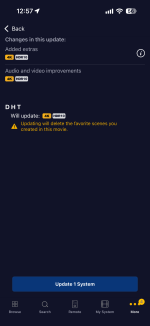
I think it's been stated that if you download the new version before deleting the original version, it will save any pause locations/bookmarks or custom scenes you've created and transfer them to the new file.

That statement doesn’t seem to align with this message.
 

Attachments

  • IMG_4682.png
    IMG_4682.png
    181.1 KB · Views: 11
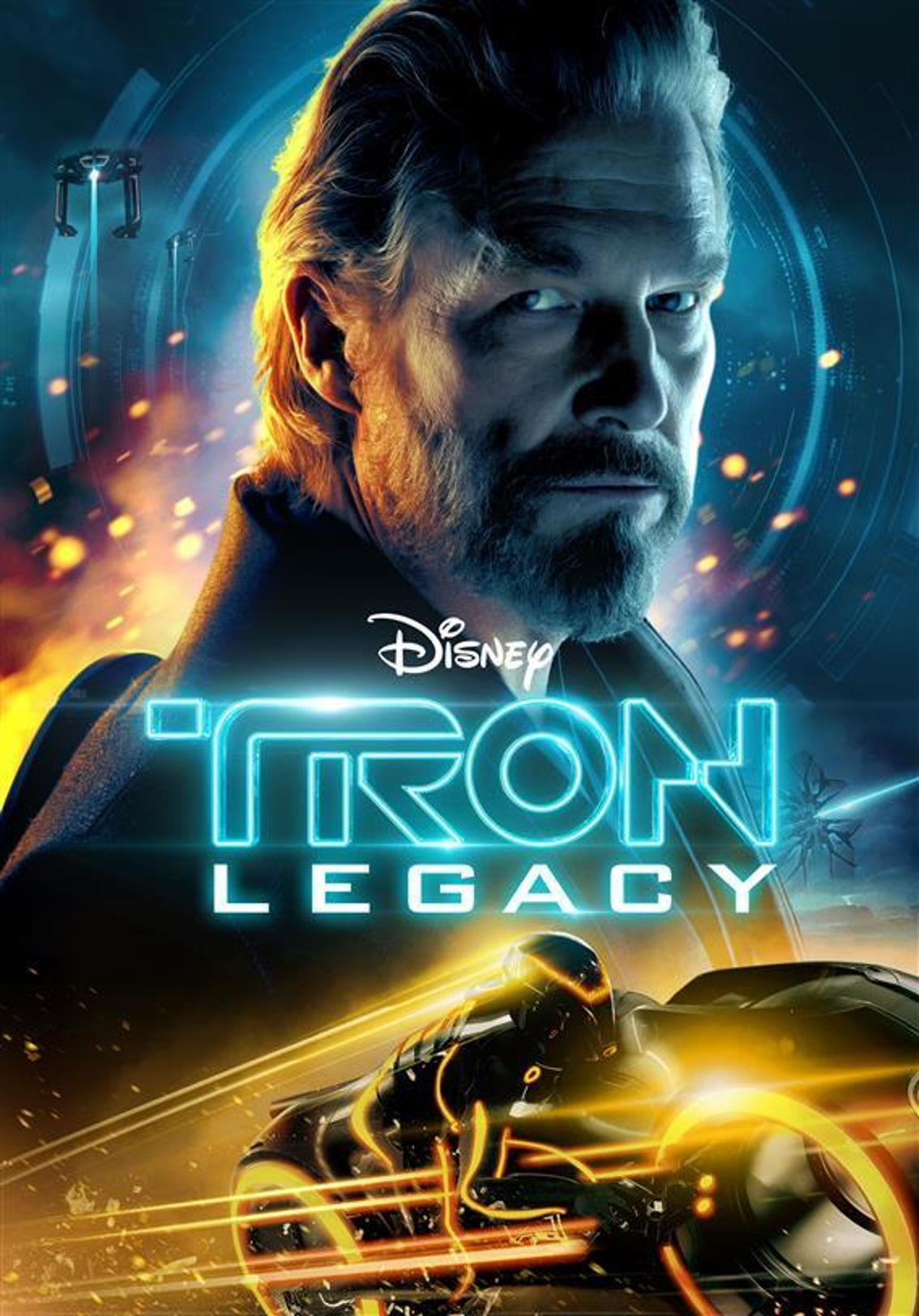
Tron legacy is now cinematic. Finally!!!

 
That statement doesn’t seem to align with this message.
That's an "update", which will delete the existing file and then download a new file. If you manually download the new file first and THEN delete the existing file, it may be able to transfer metadata.

So if you have an HDR10 version downloaded and then manually download a 4KC file, THEN delete the HDR10 version. A same-format update can't do this process.

Again, I merely THINK I remember that being mentioned but I could be imagining it. It also could only remember bookmark/pause location.
 
I think it's been stated that if you download the new version before deleting the original version, it will save any pause locations/bookmarks or custom scenes you've created and transfer them to the new file.
No. Pause bookmarks and user-created scenes will not transfer from one media object to another.
 
Transformers gets updated to cinematic. Hopefully the other transformers titles also follow.

 
Transformers gets updated to cinematic. Hopefully the other transformers titles also follow.

Fascinating. This is a title that got a Dolby Vision upgrade that came with at Atmos upgrade. The Atmos track wasn't added to the 4K HDR version, this was called out, and K said it was in the pipeline. This was a long time ago. Now it's received a 4KC DV upgrade and I immediately looked to see if there was a 4KC HDR10 and/or new HDR10 update. Nope. For some reason, although there was never a 4K SDR version of this title on the store, we now have a 4KC SDR version and the same/old/Atmos-less HDR10 version remains.
 
Back
Top