Kind of wish I knew what was different. My visual memory just isn’t good enough and I thought that they looked good before. Though Oppenheimer is showing 1.85 when it is clearly not.


-
Thanks for visiting the Kaleidescape Owners' Forum
This forum is for the community of Kaleidescape owners, and others interested in learning about the system, equipment, services, and the company itself.It is run by a group of enthusiastic Kaleidescape owners and dealers purely as a service to this community.
This board is not affiliated in any way with Kaleidescape, Inc.
For official technical support, product information, or customer service, please visit www.kaleidescape.com
You can dismiss this box forever by clicking the "X" in the upper right corner of this message. -
You are currently in "Guest" mode and not logged in with a registered account.
The forum is free to use and most of the forum can be used by guests who are not registered....
... but we strongly encourage you to register for a full account. There is no cost to register for a full account.
Benefits of registering for a full account:
- Participate in the discussions! You must have a registered account to make posts on the forums. You will be able to start your own thread on a topic or question, or you can reply to other threads/discussions.
- Use the "Conversation" feature (known as "private messaging" on other forums) to communicate directly with any of the other users here.
- Access the Files area. The "resources" area of the forum contains many "Favorite Scene" and Script files that can dramatically increase the enjoyment of your Kaleidescape system. Go directly to great scenes in your favorite movies, created by other owners, and add automation to playback of your system with Scripts.
- You won't see this annoying notice at the top of every screen!😊
This box goes away for registered users.
You are using an out of date browser. It may not display this or other websites correctly.
You should upgrade or use an alternative browser.
You should upgrade or use an alternative browser.
Movie Updates
- Thread starter Kostas
- Start date

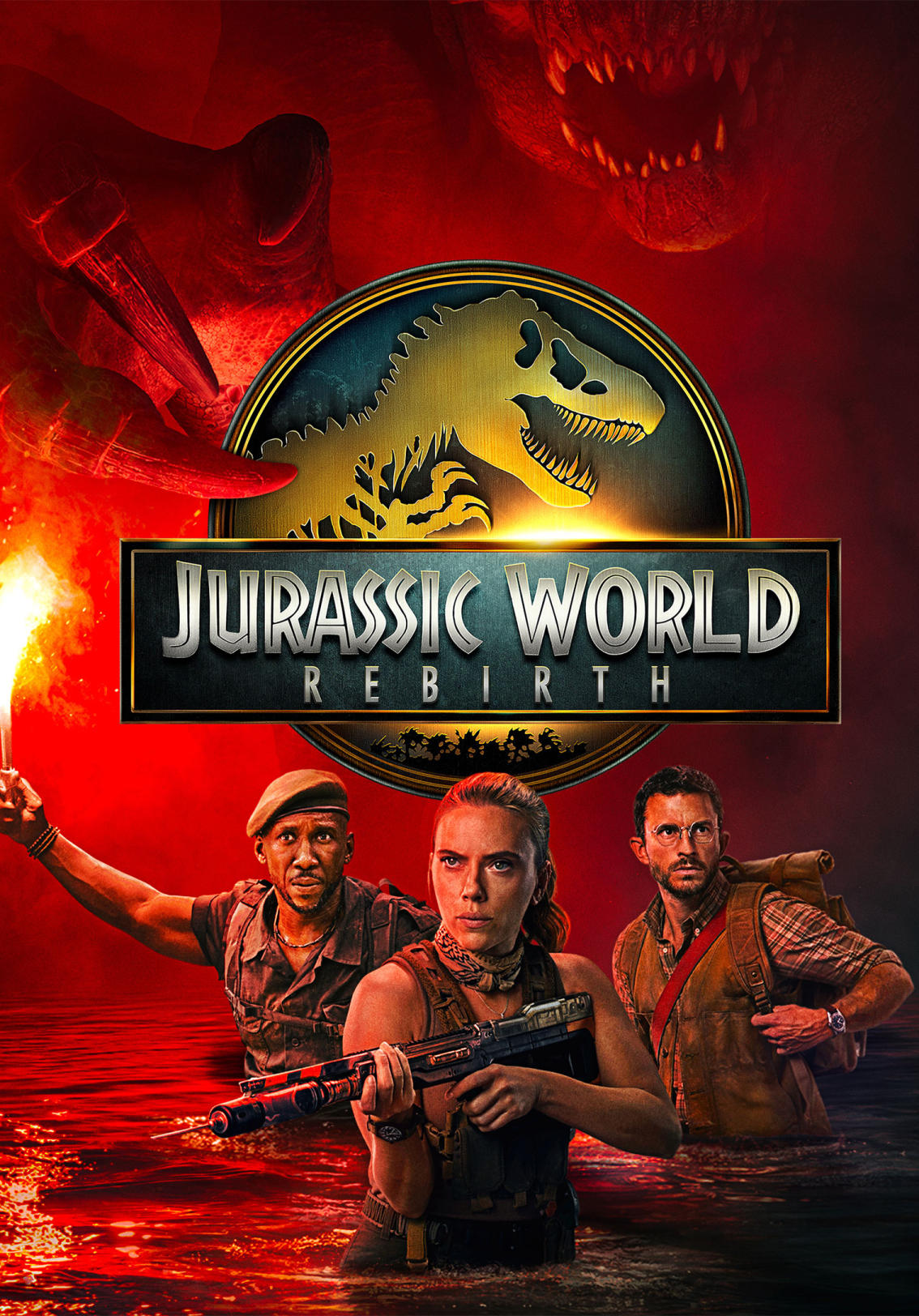
Jurassic Park Rebirth has an update this morning.
 www.kaleidescape.com
Jurassic World Rebirth
After the events of Jurassic World Dominion, the planet's ecology has proven largely inhospitable to dinosaurs. Adventure, Sci-Fi, Thriller. Purchase and download today in 4K Cinematic Dolby Vision with Dolby Atmos audio.
www.kaleidescape.com

Already had a failed update on Jurassic World. Finally got Ballerina to work but only after deleting fully and redownloading this morning. Not sure why so much drama.
Twisters as well…
The update worked for me on JurassicAlready had a failed update on Jurassic World. Finally got Ballerina to work but only after deleting fully and redownloading this morning. Not sure why so much drama.
Yesterday Maverick had worked but was really slow. Oppenheimer was stalled out. I paused all downloads, rebooted my modem. Oppenheimer downloaded normally, Ballerina failed. I deleted the file and tried again, it stalled out again. So I just cancelled it and when I went to download it this morning I saw the JP update. Everything has updated correctly at this point, though slower than usual. Just bought The Warriors ($4.99), and it's downloading at about 300Mbps on 1Gbps fiber.
Man am I happy Twisters and JP were on one of my Terra Servers. 8 mins vs over an hour when it’s down to my Strato S internal drive.
- Joined
- Aug 11, 2023
- Messages
- 101
Question for the group. I also received notice of an update for the movie Twisters. The only change appears to be an added audio track French (DTS-HD Master Audio 5.1). I don't need this track. Is there a way to remove it from my Movies Update Que without having to do the download. This has happened with other movies, but I just downloaded it to remove it from my que.
Downloaded both Top Gun: Maverick and Ballerina...no fails but d/l speed was all over the place...jumping from 100 to 980 and inbetween. Usually its a solid 800+. Standalone V.
Gladiator 2 and Sinners updates just popped up. I think I'm just gonna hold off and update everything this weekend or next week when hopefully the glitches have been taken care of. Not a big deal for me, really, unless something pops up in the update queue that I intend to watch that night.
Now Sinners and Dune. Man what’s going on? Good signs I imagine.

No. If you queue it for download, it'll be removed from the Movie Updates page. However, if you then cancel the download before it finishes it'll reappear on your Movie Updates page. The only ways to make it permanently disappear from the Movie Updates page is to download the update or delete the old version from your local library.Question for the group. I also received notice of an update for the movie Twisters. The only change appears to be an added audio track French (DTS-HD Master Audio 5.1). I don't need this track. Is there a way to remove it from my Movies Update Que without having to do the download.
- Joined
- Nov 27, 2023
- Messages
- 2,461
You WILL update and you will LOVE it. Get the new file! Break your scripts! It is the only way! Choices are for posers.I don't need this track. Is there a way to remove it from my Movies Update Que without having to do the download.

I still have have 6 titles in the Movie Updates section that I won't update because the new versions are "less" than the older versions (removing audio tracks, removing/downgrading Extras, removing alternate cuts, etc.). I have over 150 HD updates on the Strato Compatibility page waiting for similar reasons.The only ways to make it permanently disappear from the Movie Updates page is to download the update or delete the old version from your local library.

I see on the OS thread that the next update further "encourages" the use of Strato V/E/M compatible HD files, exacerbating the issue.

weird but all of my updates downloaded without a glitch and they included all the ones people had issues with.
Yeah I had no issues. Now to figure out if there are any differences…
- Joined
- Aug 11, 2023
- Messages
- 101
I thought as much. It didn't hurt to ask. Thanks for the reply.No. If you queue it for download, it'll be removed from the Movie Updates page. However, if you then cancel the download before it finishes it'll reappear on your Movie Updates page. The only ways to make it permanently disappear from the Movie Updates page is to download the update or delete the old version from your local library.

- Joined
- Aug 23, 2013
- Messages
- 2,633
Dune (2021) from Warner Bros updated to include DV with Dolby TrueHD Atmos
 www.kaleidescape.com
World Trade Center (2006) in HD from Paramount updated to DTS-HD Master 5.1 from Dolby Digital 5.1

 www.kaleidescape.com
Dune
A new duke takes over a valuable planet amid political intrigue, while his son begins a journey to fulfill an ancient prophecy. Sci-Fi, Adventure, Drama, Epic. Purchase and download today in 4K Cinematic Dolby Vision with Dolby Atmos audio.
www.kaleidescape.com
World Trade Center (2006) in HD from Paramount updated to DTS-HD Master 5.1 from Dolby Digital 5.1
World Trade Center
Following the desperate rescue of two policemen buried in the rubble of the twin towers in the wake of 9/11. Drama, Disaster. Directed by Oliver Stone. Starring Nicolas Cage, Michael Peña, Maggie Gyllenhaal, and Maria Bello. Purchase and download today in 4K Cinematic Dolby Vision.
www.kaleidescape.com
erixon1138
Well-known member
Dune: Part Two (2024) HDR version updated
 www.kaleidescape.com
- Audio and video improvements
Dune: Part Two
Paul Atreides unites with Chani and the Fremen on a warpath of revenge and endeavors to prevent a terrible future only he can foresee. Sci-Fi, Adventure, Drama, Epic. Purchase and download today in 4K Cinematic Dolby Vision with Dolby Atmos audio.
www.kaleidescape.com
Just got AV updates for all the 4K SDR versions of Nolan's Batman movies.