It's available in multiple locations.
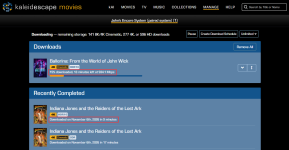
On the Kaleidescape web store, navigate to the "Downloads" page. The active download will show time remaining and current throughput. Historical downloads will show how much time it took for the download to complete:
View attachment 12636
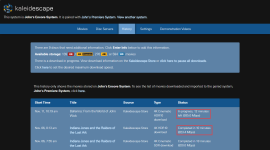
It's also available on the system's local browser interface on the "History" page:
View attachment 12637
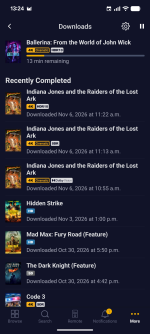
And finally, you can look at the Downloads screen on the mobile app (More > Downloads):
The active download will show time remaining and historical downloads show when it was downloaded:
View attachment 12638
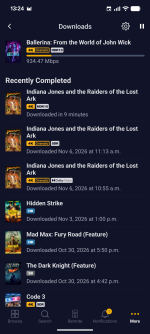
If you tap on the "13 min remaining" text of an active download or the "Downloaded <date> at <time>" text on a given download, the text will change to show you throughput for the active download or download time for historical downloads:
View attachment 12639